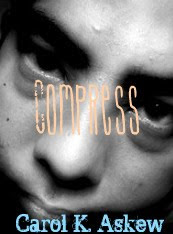
Thanks to Alexia over at Alexia's_Books_and_Such I got to do this fun exercise, creating a book cover. There are a few cool covers floating around... Very fun! Give it a try, here's how:
CREATE YOUR DEBUT YA COVER
1. Go to “Fake Name Generator” or click http://www.fakenamegenerator.com/
The name that appears is your author name.
2. Go to “Random Word Generator” or click http://www.websitestyle.com/parser/randomword.shtml
The word listed under “Random Verb” is your title.
3. Go to “FlickrCC” or click http://flickrcc.bluemountains.net/index.php
Type your title into the search box. The first photo that contains a person is your cover.
4. Use Photoshop, Picnik, or similar to put it all together.
Be sure to crop and/or zoom in.
5. Post it to your site along with this text.
